Discover new data flow
Java Point of Sales usingJava Point of Sales using
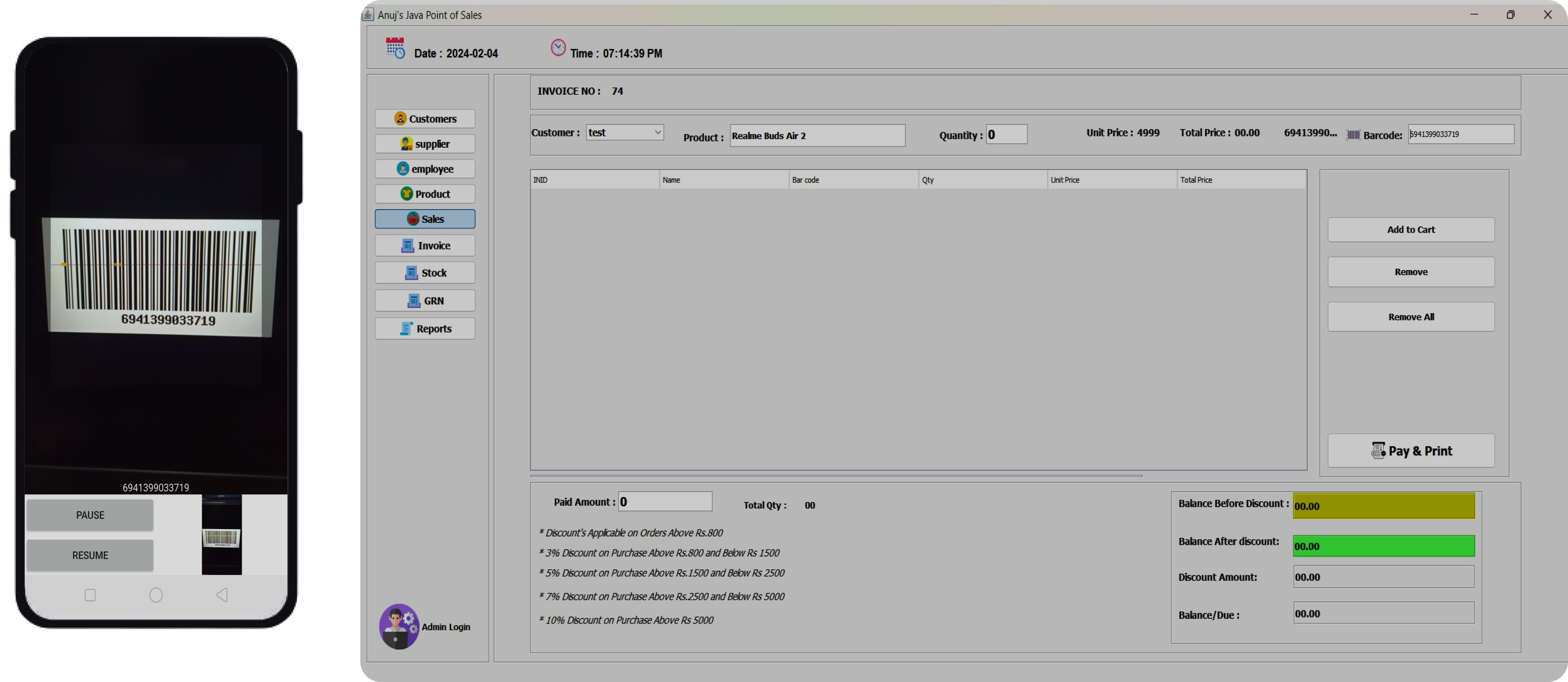
Android barcode scanner
Experience seamless business integrations and powerful insights with our cutting-edge analytic tools.
Android barcode app
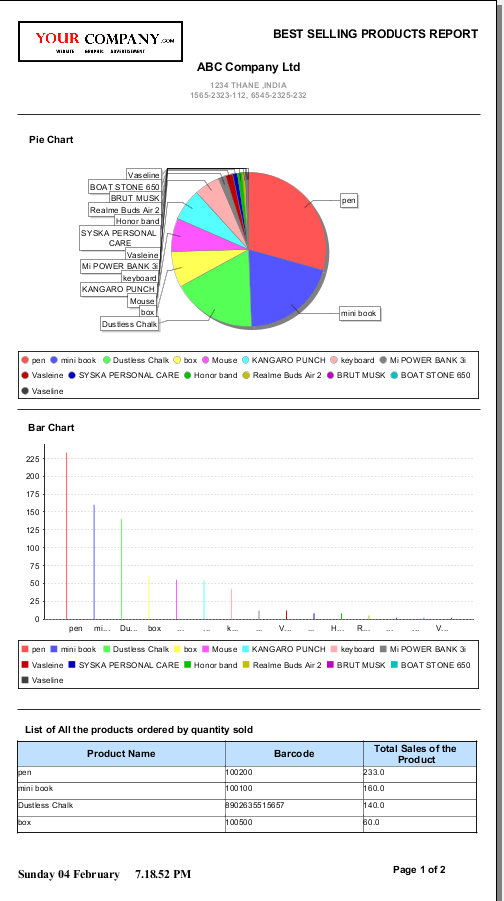
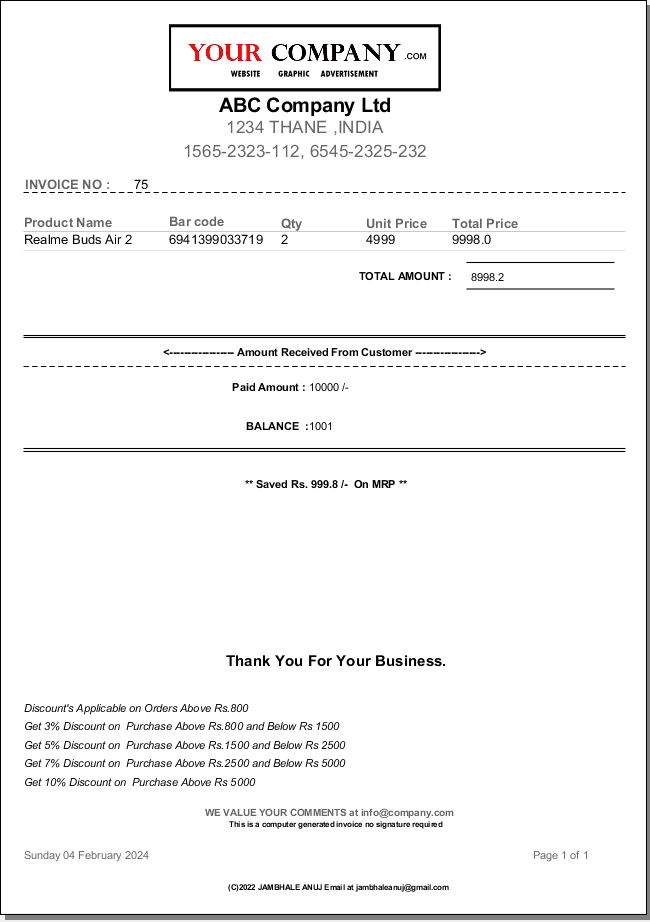
With the help of IReport 5.6.0. Generate informative Graphs, Detailed Receipts and bills.

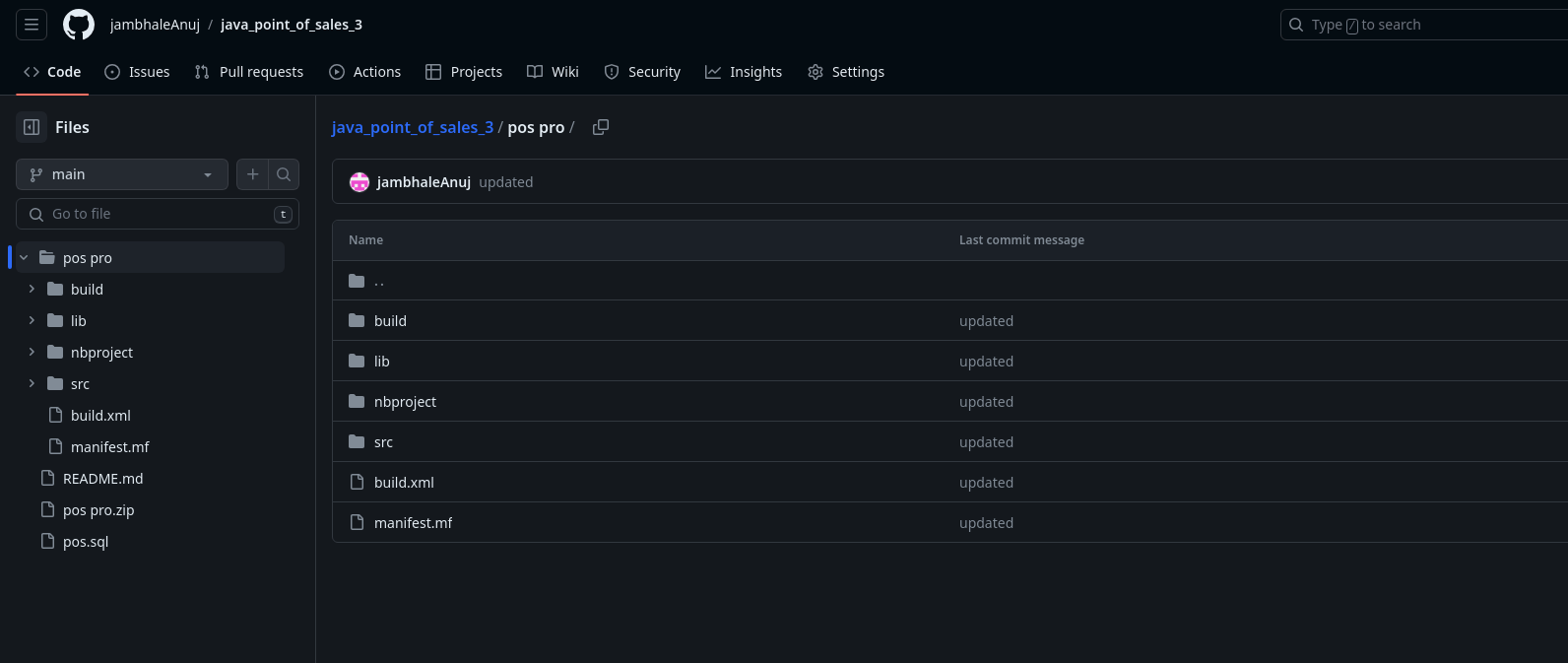
Both, the Android Barcode Scanner application and the Java Point of sales application are fully open-source i.e their source code is freely available on the github links provied above.
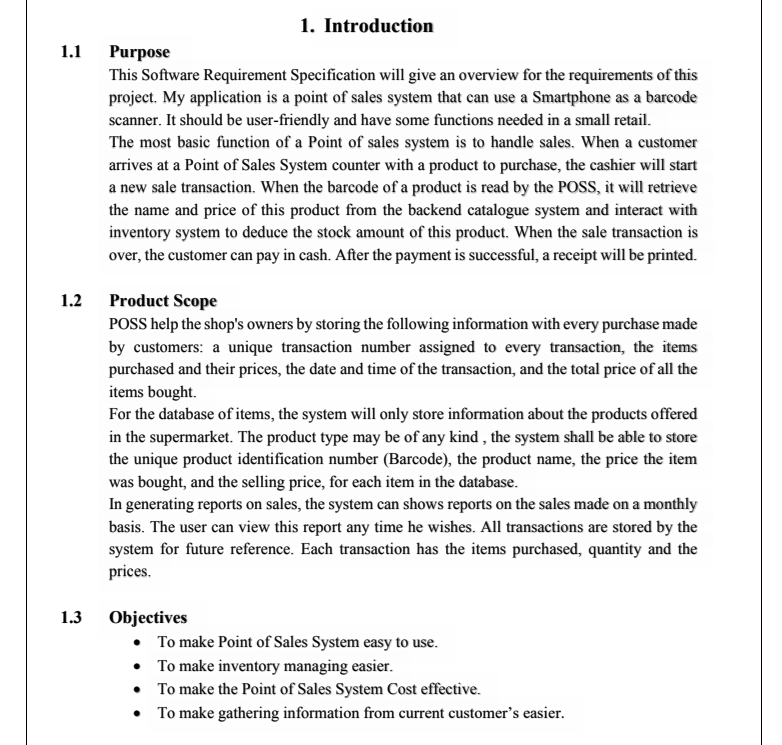
Download the project documentation, may also be called as the SRS that is the Software requirement Specification. The Documentation contains Use Product Scope, case Diagrams, flowcharts, Database table diagrams, some basic test cases performed, and many more things.
To add or remove anything from the project documentation, contact me at jambhaleanuj@gmail.com
Have any questions?
You can contact me through my email jamhbaleanuj@gmail.com. OR you can contact me through twitter and linkedIn given in the footer of this webpage
There are great changes that can be done to the Java Point of Sales Software. Some of which can be, implenting other database technologies such as firebase, mongoDB atlas cloud, etc so that the Software can be installed in many different workstations in different locations and will still share same information. OR using a H2 database so that we don't have to install MYSQL on every workstation
There are 2 ways you can make changes to the Reports. 1) If you know the JRXML, you can directly edit the JRXML code present OR 2) Download the IReport version 5.6.0 and open your JRXML file in it, this way you can use GUI to make changes to the report by a simple drag and drop
Unfortunately, you cannot make direct changes into the PDF documentation, But you can mail me at jambhaleanuj@gmail.com and the required changes will be done to the documentation.
Yes, newer Ireport version may not work with the code present.
No, not at the moment. This project is only suitable as a Very Small scale use case, since it is not tested in a large scale enviroment and may posses some bugs or security flaws . If you desire to use this project for a large scale use, many change's are needed to be made to the code.

